Your LinkedIn profile picture is your digital first impression. In 2026, you don't need an expensive studio crew to get a professional headshot. With the right AI blueprint, you can generate gallery-grade portraits in seconds.
Step 1: Choose Your Persona
Consistency is key. On JsonPrompts.in, we use Personas like Saaral and Sahitya to ensure every photo you generate maintains the same facial features while changing the background, outfit, and lighting. For a LinkedIn DP, we highly recommend the Saaral AI Persona for its professional and polished aesthetic.
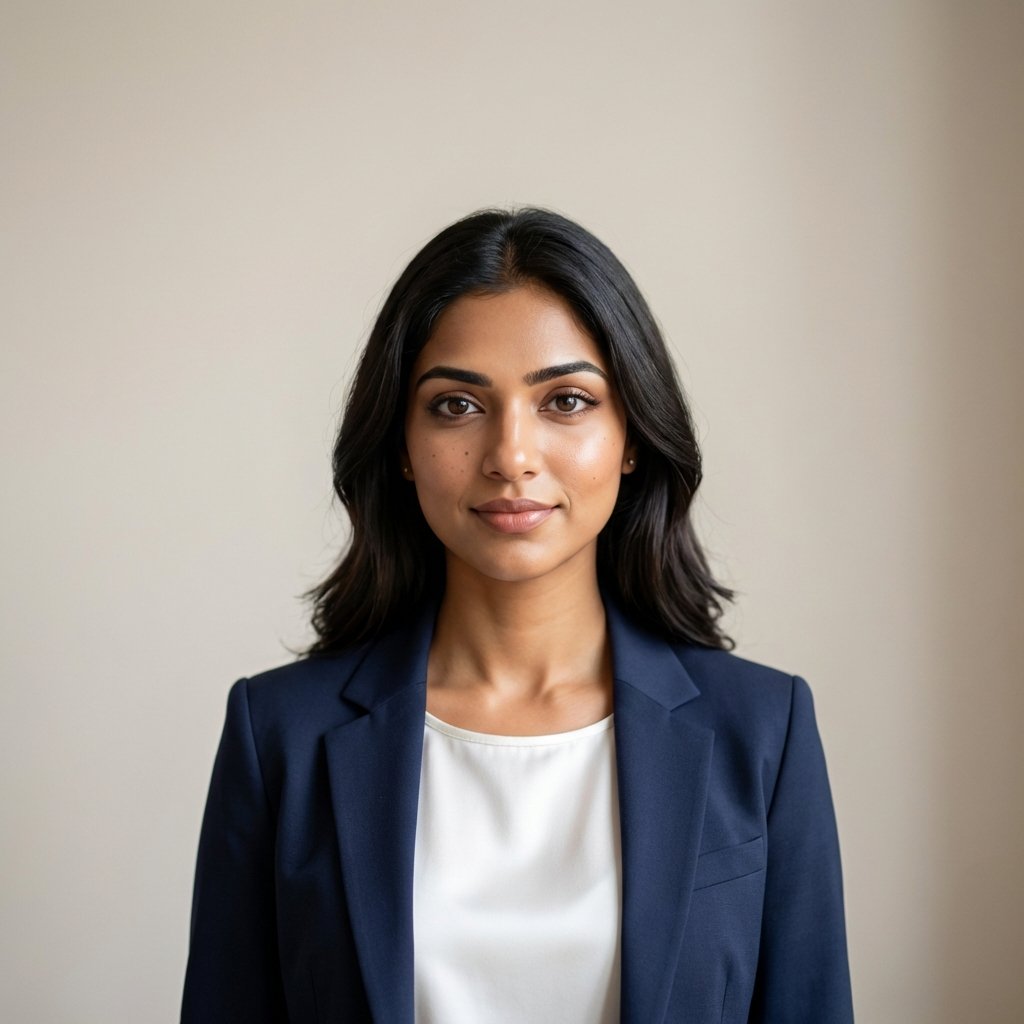
Linkedin Executive - Saaral AI
A premium Photography blueprint featuring the Saaral (Female) persona.
Step 2: Mastering the "Corporate" Lighting
A great LinkedIn DP needs soft, directional lighting. When using our blueprints, pay attention to the lighting_style attribute. We use parameters like Rembrandt Lighting or Soft Studio Box to eliminate harsh shadows and make your features pop.
Expert Tip:
Avoid "busy" backgrounds. A blurred office or a solid neutral color works best to keep the focus on you. Our Executive Series prompts handles this automatically with a built-in depth_of_field control.
Step 3: Execute in Midjourney
Once you unlock your blueprint on JsonPrompts.in, copy the JSON payload and use our Midjourney V6 optimized text prompt. Paste it into Discord, wait for the generation, and choose the one that captures your professional vibe.
Ready to transform your profile? Explore more professional headshot blueprints below.
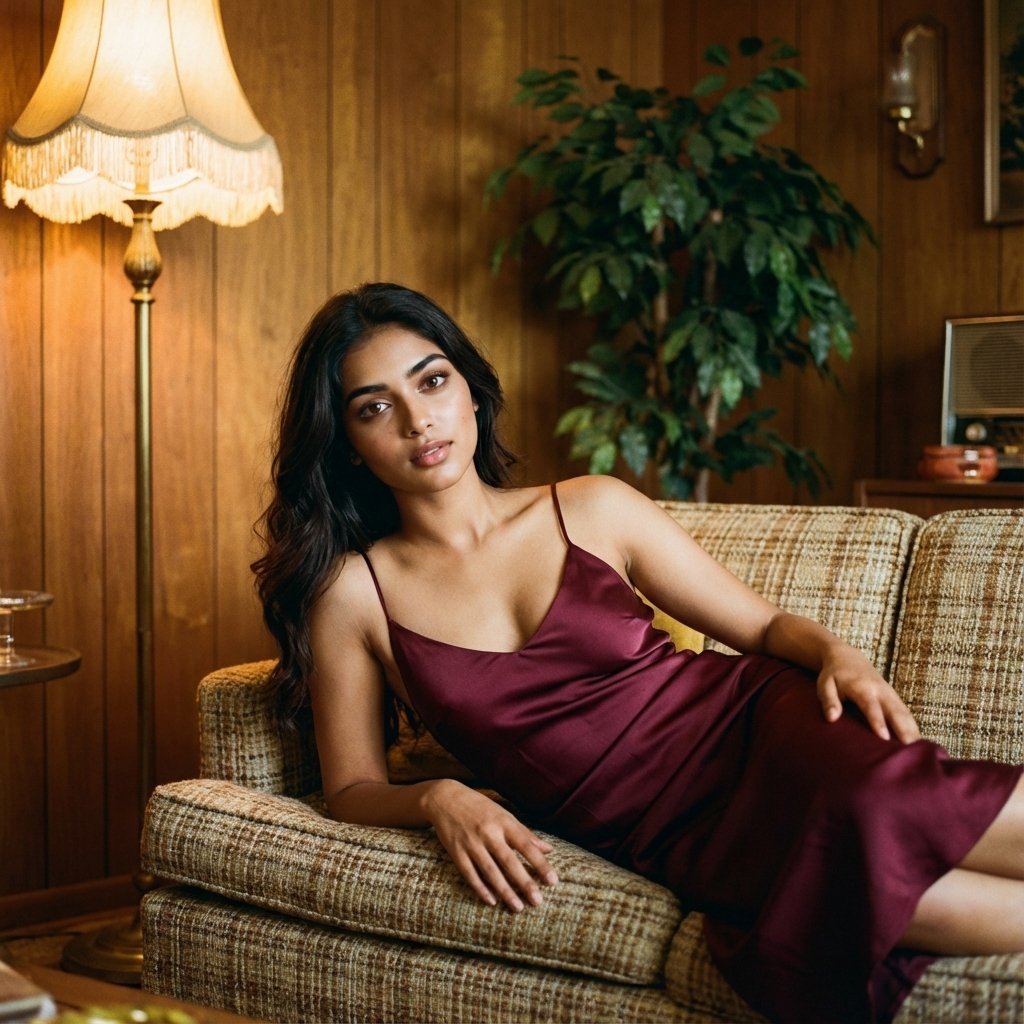
Retro 70s - Saaral AI
A premium Photography blueprint featuring the Saaral (Female) persona.